
Game night · Steam, Epic, and EA
See what your group can play across Steam, Epic, and EA
Games sit in different store clients. PlayGrid merges owned titles, compares with friends, and pins the next session in Discord - so Friday is about the pick, not tab hopping.
- One list - Store badges on every row after sync
- Grouped matches - Same game on multiple stores? One row when we match it
- Discord plan - Shared games and RSVP from Activity after sync
All games
18 titles · cross-store library

Helldivers 2
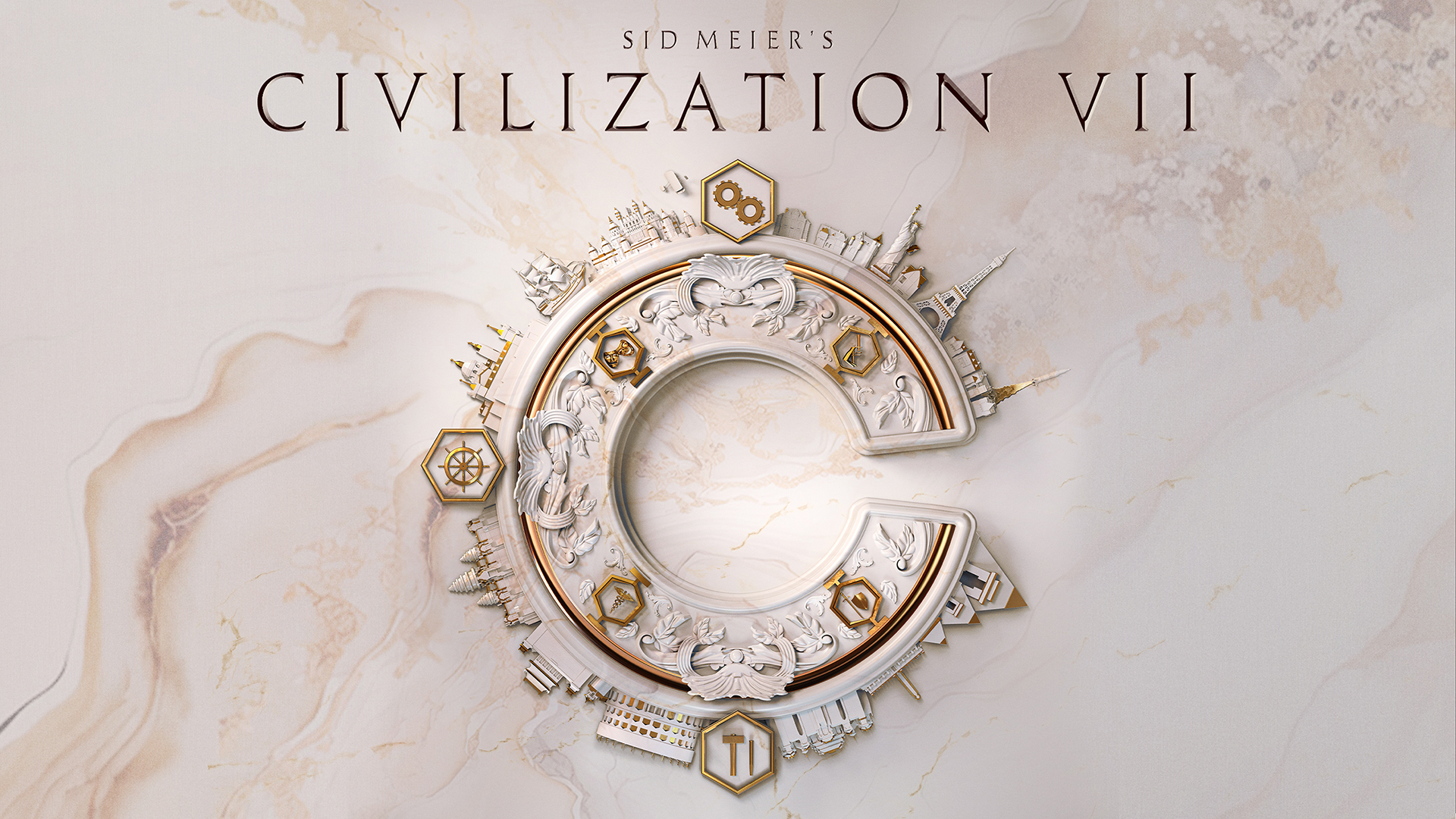
Civilization VII
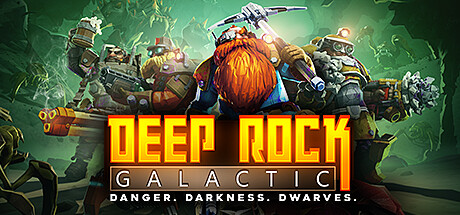
Deep Rock Galactic

Rocket League
What cross-store library sync means
You still buy and install through Steam, Epic, or EA. PlayGrid pulls owned titles into one browsable list after you link stores in the browser.
When we confidently match the same game across stores, you see one grouped row with store badges. Unmatched duplicates may stay separate until metadata improves.
Friends and sessions use the same list
Shared ownership compares linked libraries across your group. Session planning sits beside that list so you are not reopening every store client before game night.
From merged library to game night
- Compare shared games before you pitch co-op.
- Pick a title with the what to play together.
- Pin a weekly game night slot so only the game changes.
What each store client still owns
Steam, Epic, and EA still handle purchases, updates, and most installs.
PlayGrid mirrors owned titles into one browsable list after sync. It does not replace checkout or the Steam and Epic launchers.
When overlap beats a longer personal library
A solo backlog of 400 games does not answer "what can we play tonight?"
Cross-store sync matters most when you compare libraries with friends and shortlist from shared ownership, not when you are browsing alone.
Guides for cross-store libraries
Linking stores, sync, duplicates, and Discord Activity planning.
- Guide
Sync your Steam, Epic, and EA libraries in one list
PlayGrid merges linked Steam, Epic, and EA into one library with store badges. Re-sync after purchases, free claims, or a long break so friend overlap stays accurate.
- Guide
Friend owns the game on Epic, you on Steam. Can you still play?
If you each own the title on your store, it counts toward shared games. PlayGrid shows that overlap before you pitch co-op. Ownership first, then confirm the game supports cross-store multiplayer.
- Guide
Same game on Steam and Epic. How PlayGrid groups duplicates
One row with badges for your copy. Shared games checks that everyone owns the title somewhere.
- Guide
When to sync your library after a new purchase or free game
Run sync before overlap and game night. Especially after Epic free claims.
Merge your libraries in PlayGrid
Link Steam, Epic, and EA. One list to browse, compare with friends, and plan from Discord.